
Agents, tasks and diagnostics
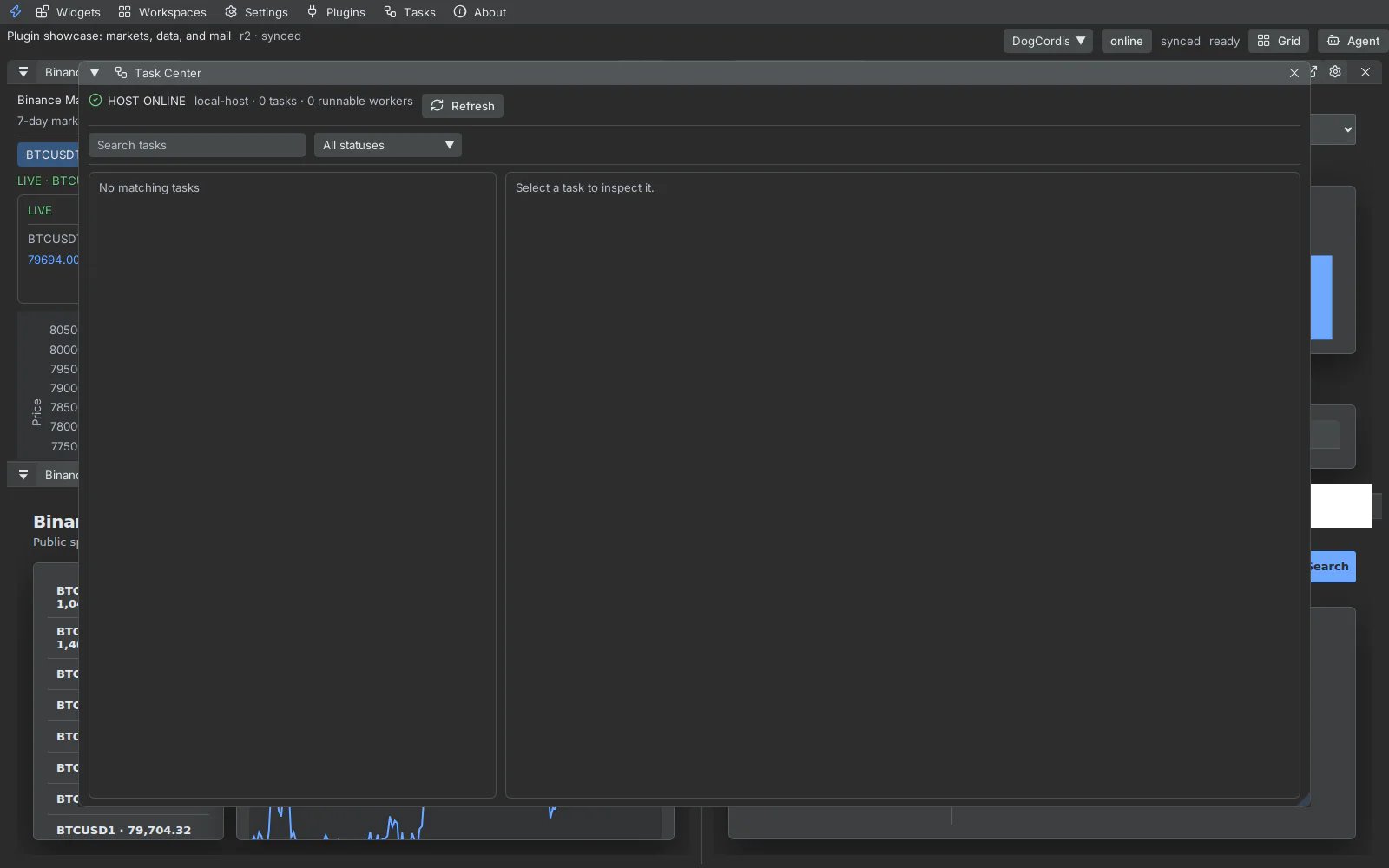
The native Tasks window lists Host tasks by status and exposes reasoning, approvals, worker assignment, artifacts, and execution events. Filters and search operate inside the native surface on desktop and a full-screen, momentum-scrollable surface on mobile.
The Agent control opens the side cart for creating or continuing work without hiding the active workspace. Agents use authenticated Host tools and explicitly paired Click actions; they do not receive a browser automation backdoor.
Diagnostics
Section titled “Diagnostics”Use Settings → Diagnostics for:
- active Host identity and connection state;
- workspace synchronization revision;
- panel runtime state and missing capabilities;
- plugin lifecycle summaries and causal event IDs;
- support-bundle creation for a selected plugin;
- recovery actions that preserve the revisioned authority model.
When reporting a problem, include the Host ID, workspace ID, plugin or panel ID, generation, command ID, correlation ID, and the smallest relevant trace window. Never include pairing tokens or secret values.